Privacy with no trace of you.
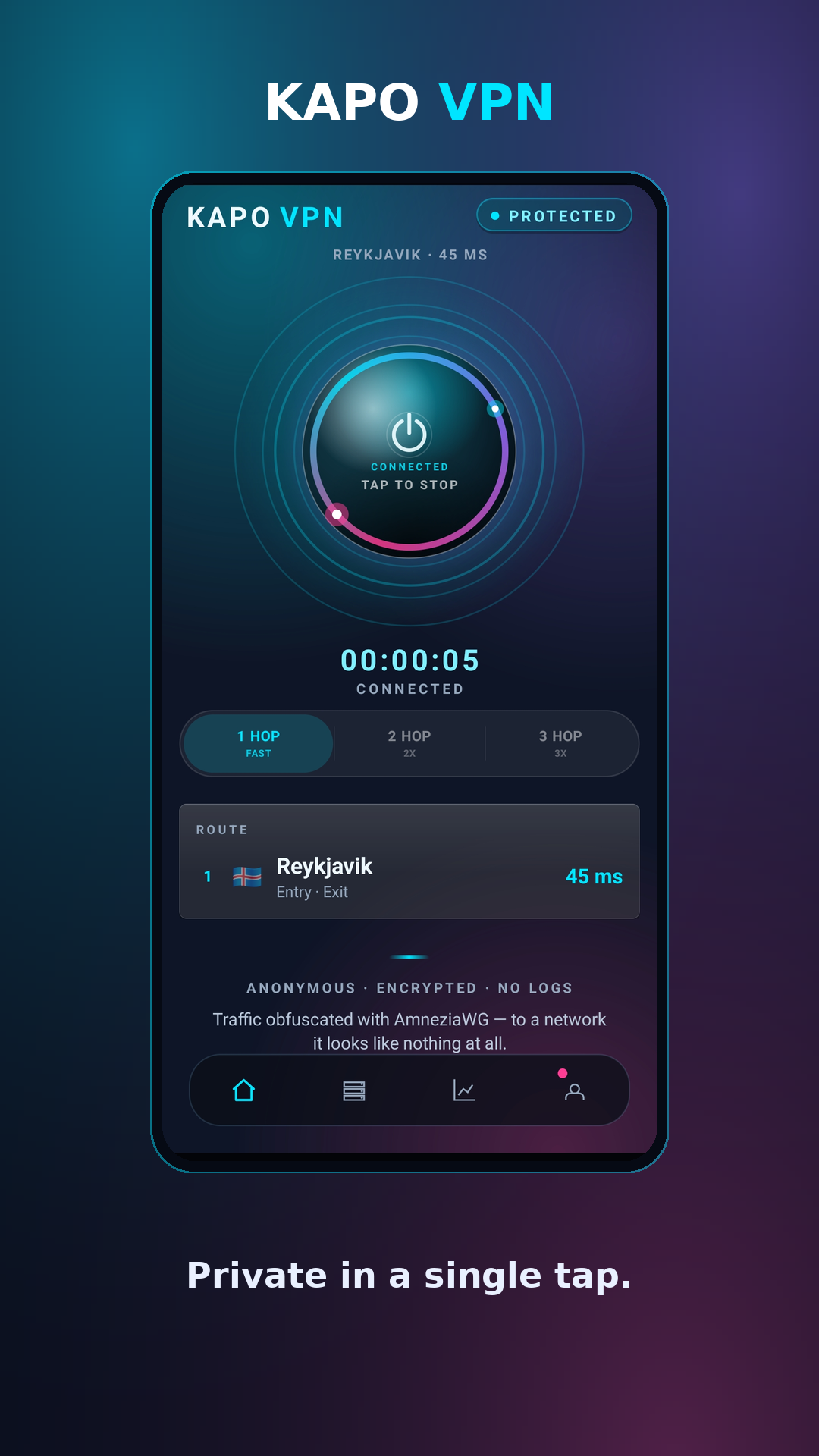
An obfuscated, multi-hop VPN built on AmneziaWG. No name, no email - just an anonymous code and crypto. Your keys are generated on your device and never leave it.
Truly anonymous
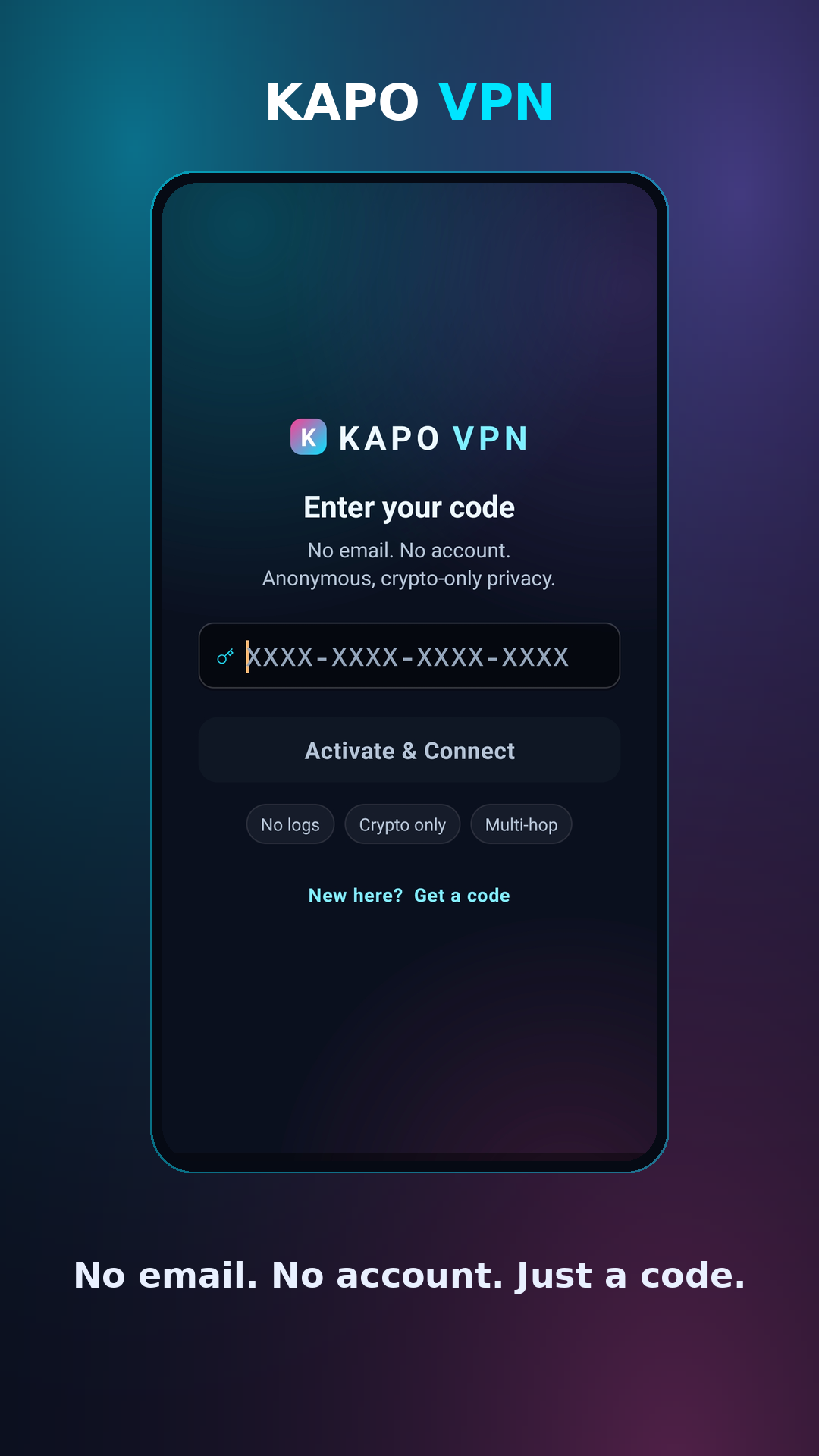
Sign up with nothing but a generated code. Pay in crypto. We never ask who you are.
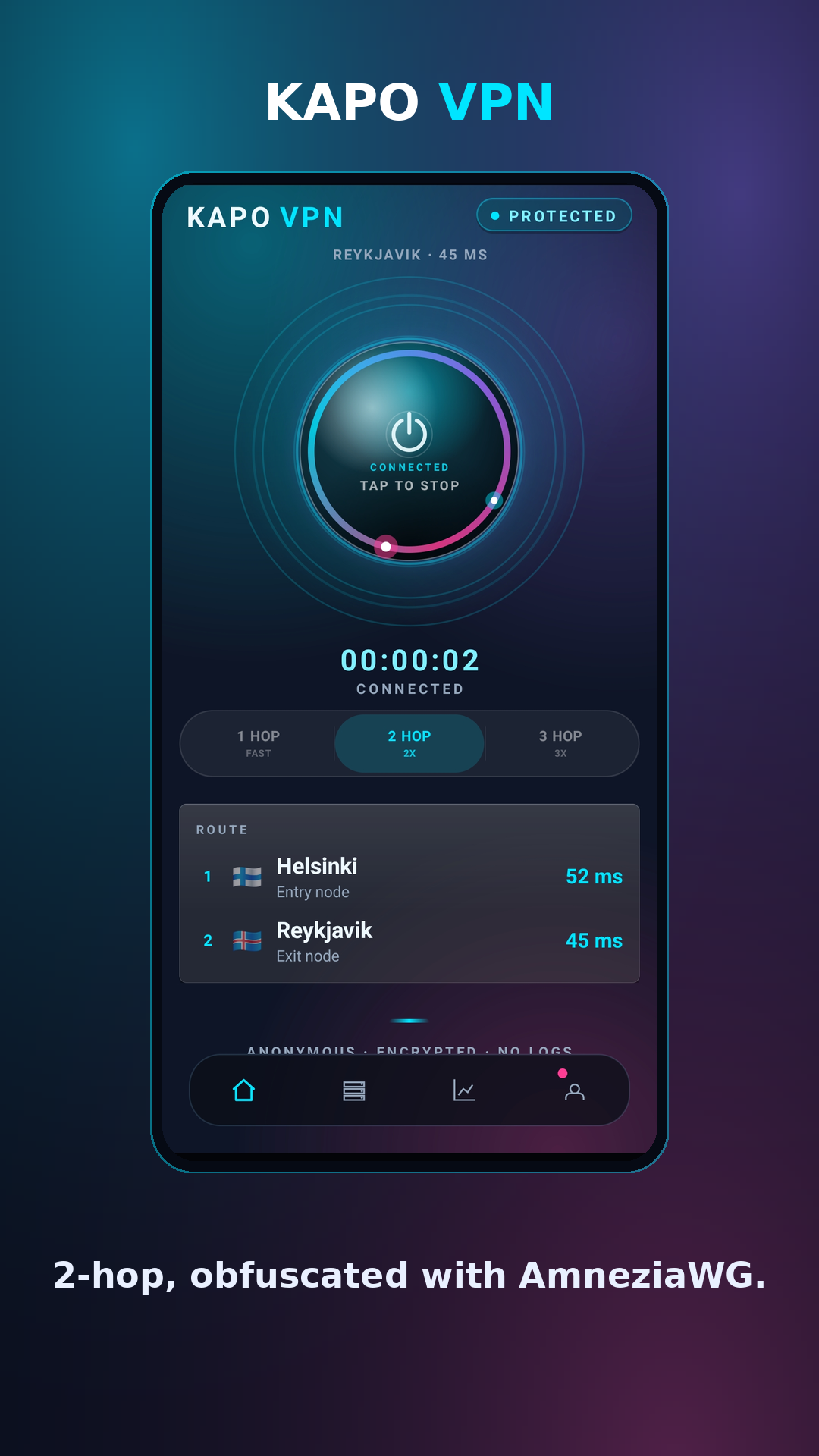
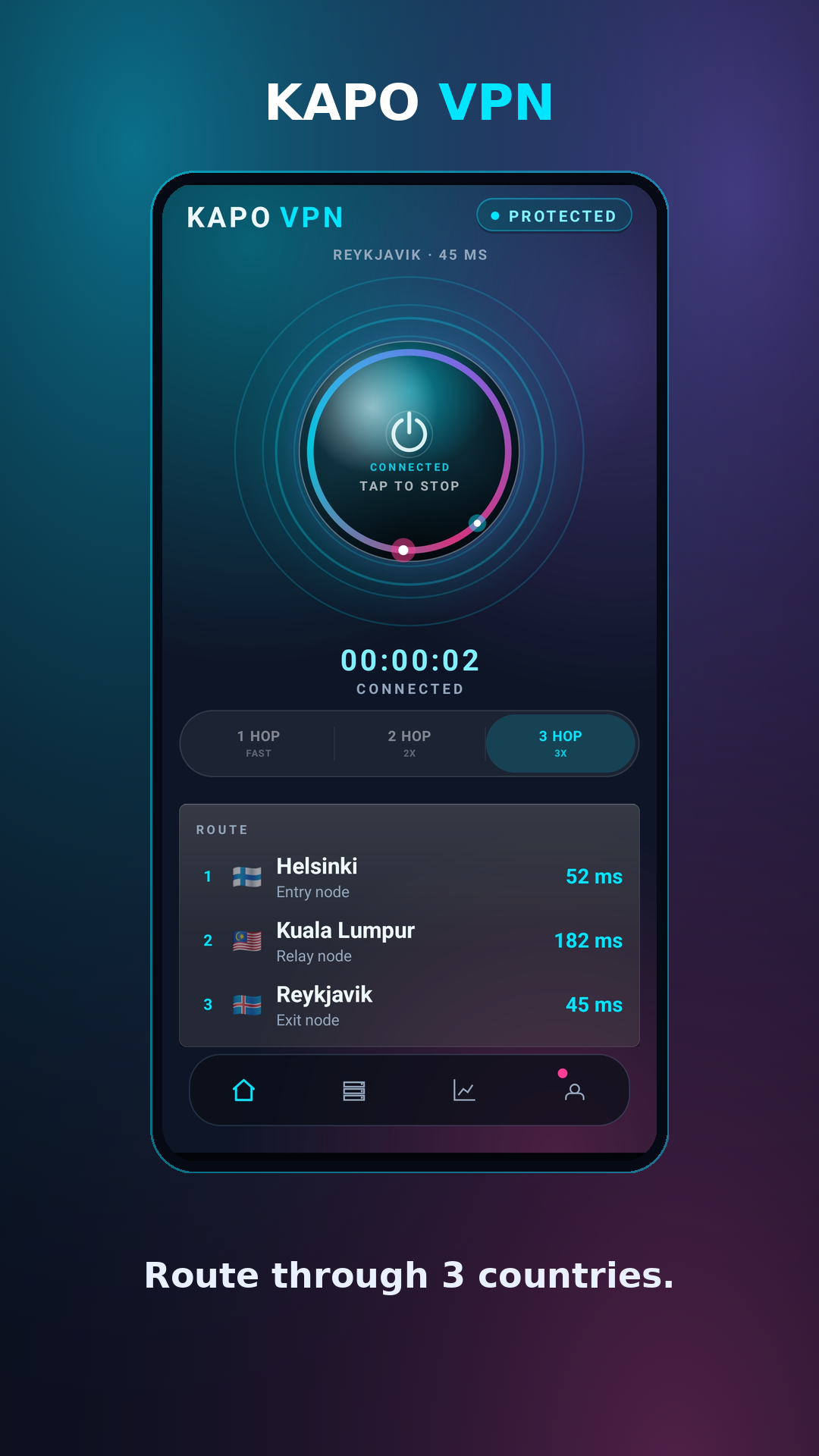
Multi-hop routing
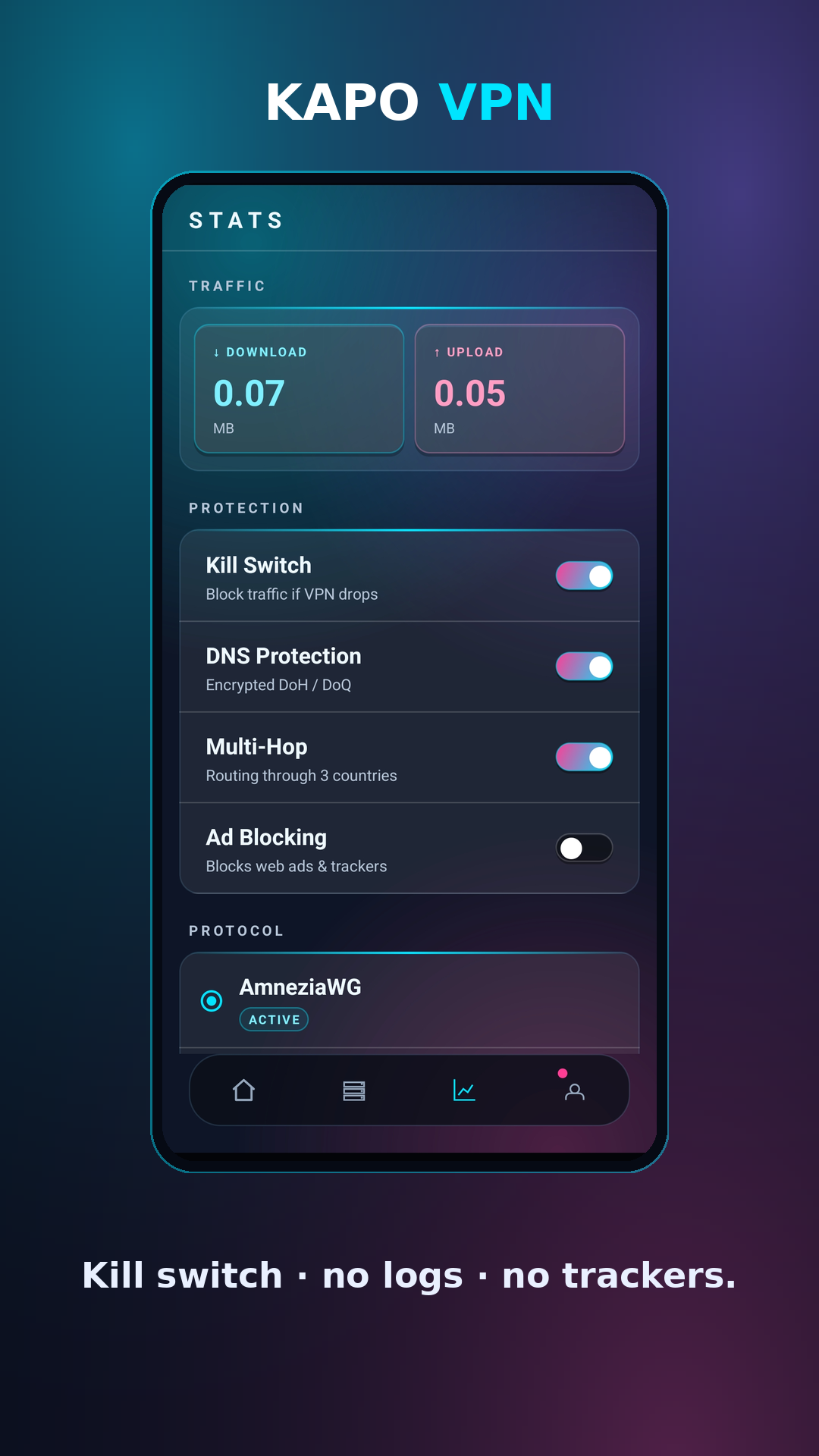
Chain your traffic through 2 or 3 countries so no single server ever sees the full picture.
Deep obfuscation
AmneziaWG disguises your traffic so networks that block ordinary VPNs can't see or throttle it.
No activity logs
Servers keep logs in RAM only and reboot on a schedule. There's no history to hand over.
Ad & adult content blocking
Blocks ads & trackers by default, with an optional adult-content filter you switch on separately.
Why KAPO is different
What most VPNs quietly won't give you.
See KAPO
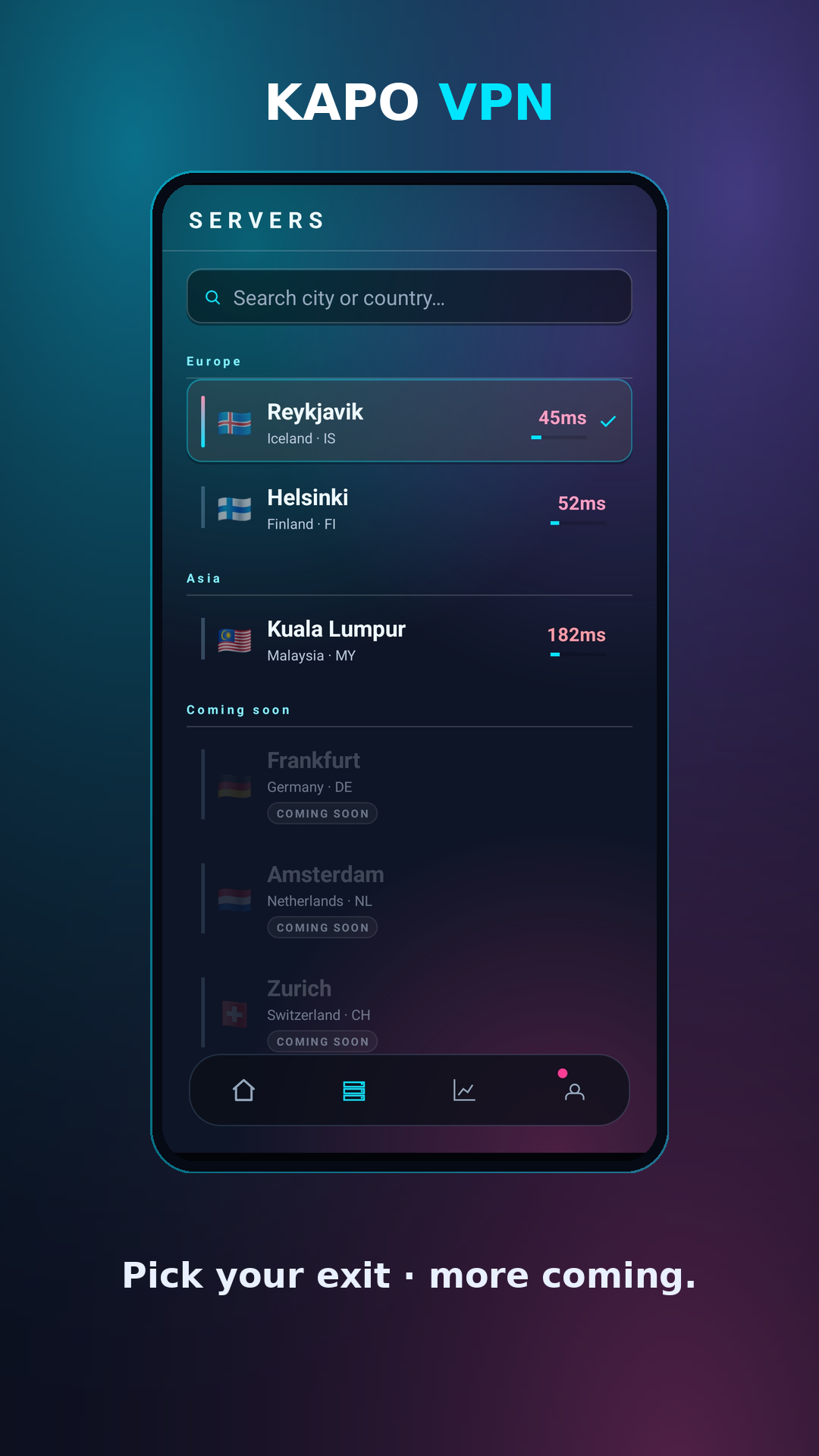
A privacy VPN that looks the part.
Get KAPO
Install it however you trust most — the app is open source.
Google Play and Aurora Store coming soon · also installable via F‑Droid (below) and Obtainium.
APK SHA‑256:
3d14ed8073e659f9eb96d89a8bfde4b027a11a3bc8f8ce83ef485e52b2804416
Verify before installing: sha256sum kapo-latest.apk
(or PowerShell Get‑FileHash). Read the source on
GitHub.
Windows
Not yet code-signed by a CA — Windows will show an "Unknown Publisher"
SmartScreen warning on first run. Click More info → Run anyway. The build
is self-signed for integrity (tamper-evidence), not to bypass this warning; a real
code-signing certificate is planned. The portable .zip needs no install, just extract
and run KAPO VPN.exe.
Installer SHA‑256:
0b3810d9149c68b5363f9767df4c3e2c087d9eeba6eeca41cdd634032bb8f265
Portable SHA‑256:
13f67777712e1330a6bdc0a4cdb56d66d6a9ac7ae06cc093553d07b2570cb514
Add KAPO to F‑Droid
Get automatic updates through the F‑Droid app — no store, no account. In F‑Droid go to Settings → Repositories → +, scan this code (or add the URL below):
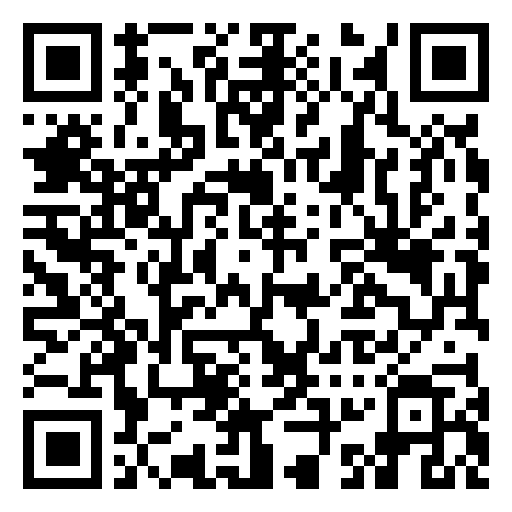
Repo URL:
https://kapovpn.com/fdroid/repo?fingerprint=79B4D5F2AE2C363DA60E43AD87CCB5FF5BF579AA67D4DD0DCFC8A32C63EA3F10
Every plan includes all locations, multi-hop and up to 5 devices. Pay in Bitcoin, Monero and more.